Best IPTV Nordic One Subscrption Service N1 at an Affordable Price

Movies & TV Shows













Don’t Miss Out on Your Favorite Movies and Shows
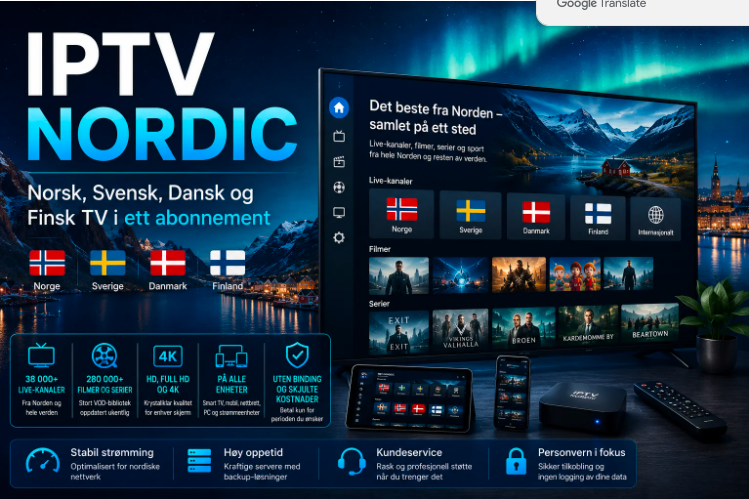
Imagine the excitement of a cinematic experience right in your own home. With access to over 2,000 channels offering Full HD and 4K quality, you won’t miss a single scene. Dive into your favorite films and shows with our IPTV Nordic One Subscrption UK and immerse yourself in a seamless, freeze-free viewing experience. Feel the thrill of every plot twist and dramatic moment as if you were watching from the best seat in the house—all from the comfort of your room.

Unlock Unlimited Access to Your Favorite Sports,VOD Series
Imagine the thrill of binge-watching your favorite series without ever hitting pause. With access to an extensive VOD library in Full HD and 4K quality, our IPTV Nordic One Subscrption ensures you’ll never miss an episode. Explore countless genres, follow gripping storylines, and enjoy a seamless, freeze-free viewing experience. Dive into top-rated series and feel the excitement as if you’re right in the middle of the action—all from the comfort of your own home.
Choose Your IPTV Nordic One Plan
1 Month
€19
- SD /HD/FHD/4K IPTV
- +50.000 Channels with EPG
- World CUP 2026
- All Channels Sports
- +54.000 VOD
- VIP Channels
- Antifreezing Technology
- 99.9% Server Uptime
- 10 days money back guarantee
- 24/7 Support
Ready within 5-7mins

3 Months
€29
- SD /HD/FHD/4K IPTV
- +50.000 Channels with EPG
- World CUP 2026
- All Channels Sports
- +54.000 VOD
- VIP Channels
- Antifreezing Technology
- 99.9% Server Uptime
- 10 days money back guarantee
- 24/7 Support
Ready within 5-7mins
12 Months
€69
- SD /HD/FHD/4K IPTV
- +50.000 Channels with EPG
- World CUP 2026
- All Channels Sports
- +54.000 VOD
- VIP Channels
- Antifreezing Technology
- 99.9% Server Uptime
- 10 days money back guarantee
- 24/7 Support
Ready within 5-7mins
6 Months
€49
- SD /HD/FHD/4K IPTV
- +50.000 Channels with EPG
- World CUP 2026
- All Channels Sports
- +54.000 VOD
- VIP Channels
- Antifreezing Technology
- 99.9% Server Uptime
- 10 days money back guarantee
- 24/7 Support
Ready within 5-7mins
Why Choose Our IPTV Nordic One Service?
Very Easy to Use
Very simple installation, plug in and watch your favorite channels instantly.
Access from Anywhere
Watch your favorite channels from anywhere as long as you have internet.
Ongoing Updates
New channels and VOD movies are constantly being added at no extra cost.
4K, FHD, HD & SD Quality
Choose the quality according to your bandwidth, everyone can enjoy it.
No Need for Extra Hardware Installation
No need for a satellite dish to access our offers, everything works through the internet.
Movies & TV Shows
Whether you’re looking for sports, movies, TV shows or documentaries, we have something for everyone.
24/7 Live Support
Different methods of contact are offered. You can contact us at any time. Reach us by WhatsApp or e-mail.
Anonymous
Our subscribers' security and the integrity of our service panels are robustly ensured through the use of numerous proxy defenses.
Supported Devices

How Does it Work?
1. Place Your Order
Select the subscription duration that suits you best – choose from 1, 3, 6, or 12 months options.
2. Receive Your IPTV Nordic Login
This may require up to 1hours. Please check your inbox and spam during this time. For a faster turnaround, get in touch with us through WhatsApp.
3. Enjoy Your IPTV Nordic One Plan
Dive into a world of entertainment with access to a vast array of channels, movies, and TV shows from across the globe.
Frequently Asked Questions
We support a range of devices, such as Smart TVs, Kodi, VLC, PCs, Vu+, DreamBoxes, Enigma, Android Boxes,
Android Smartphones, and Max
If you submit a ticket for technical support or account activation, you can expect a response within 1 to 2
hours. We aim to reply within an hour of receiving a ticket. Please be aware that during busy periods, response
times may extend up to 3 hours.
To ensure a smooth streaming experience with IPTV, we recommend having an internet connection with a
speed between 30 to 50 Mbps. If your internet speed falls below 20 Mbps, you are likely to encounter
buffering issues. This higher speed range helps to maintain consistent quality and uninterrupted service.
We accept payments through PayPal and all major credit cards.
While you can install your IPTV subscription on several devices, please note that it is only operational on one
device at a time.
Yes, we provide a 24-hour free trial that gives you full access to all channels, movies, and TV shows available in
your IPTV subscription.
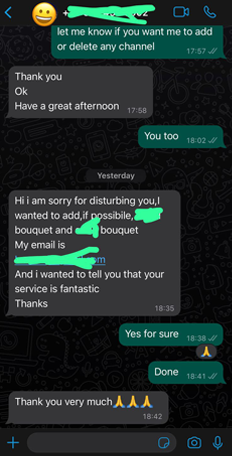
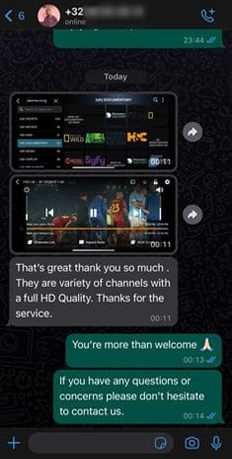
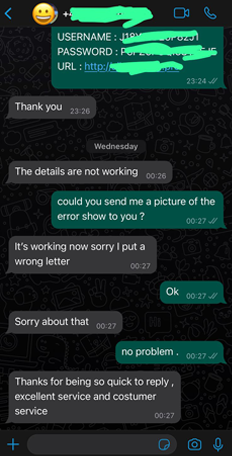
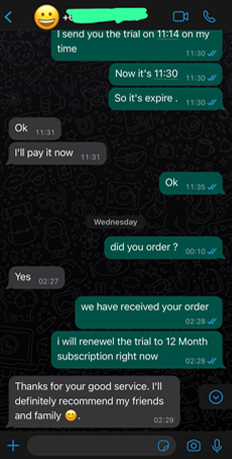
Hear from Our Satisfied Customers